
Client Portal
A secure MFA protected online portal for your clients to view upcoming appointments, complete assessment forms and view and download signed contracts
Key benefits
-
Secure client access Protected via secure passwords and Multi-factor authentication
-
View upcoming appointments View upcoming appointment dates, times and room
-
Complete Assessment forms Complete Mood & Anxiety assesssments via their portal
-
Signed Contracts View and download signed contracts
How it works
Secure Client Portal
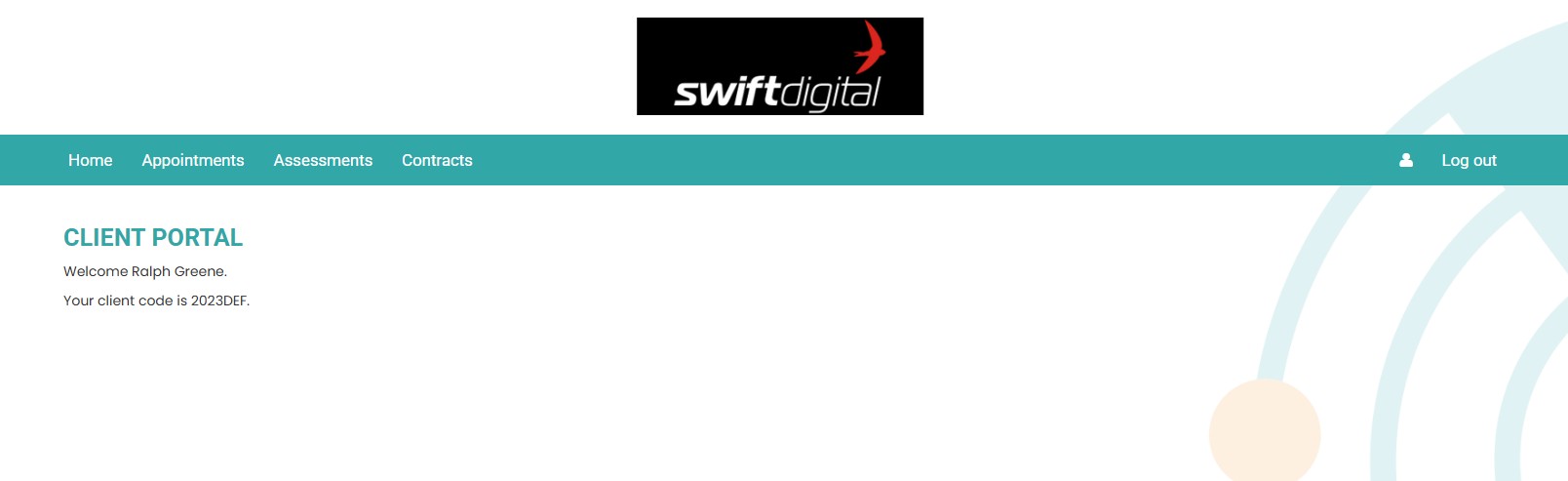
Initial logins will present a QR Code for scaninng in to the client Authenticator app. Once complete access each time will be granted via the password and MFA
Upcoming appointments
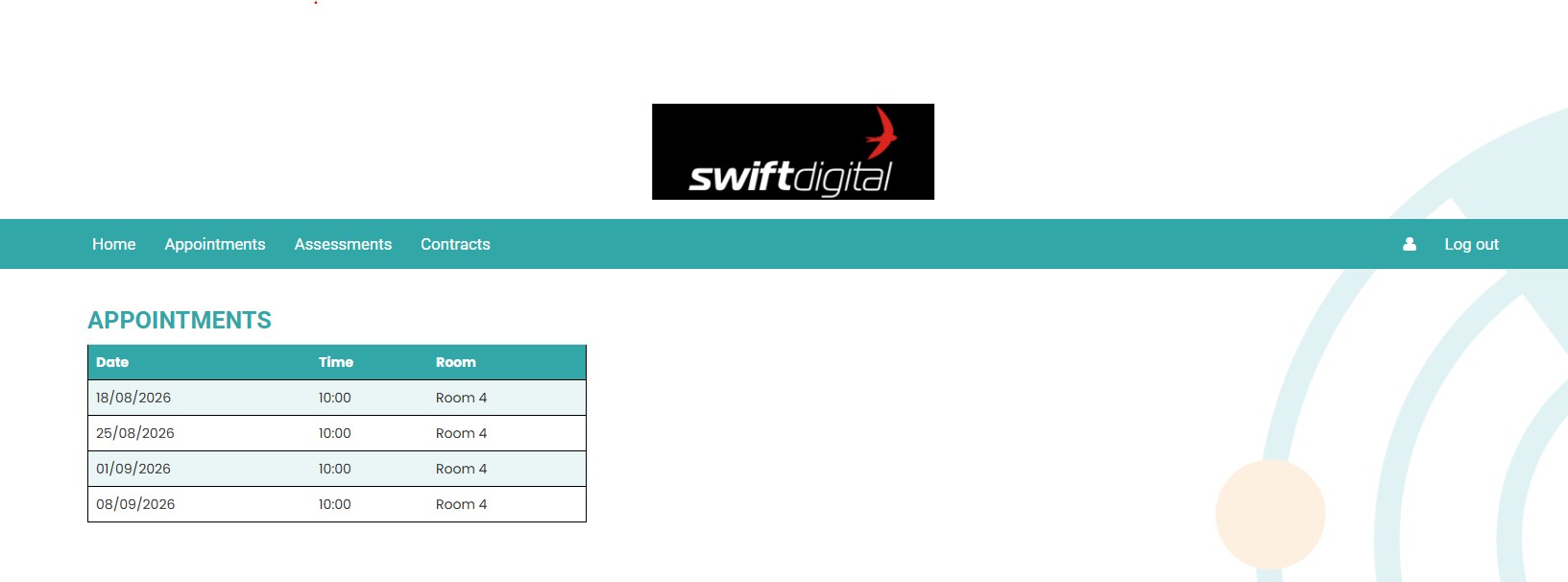
When booked in via the Rhadar Session Calendar, clients will see their upcoming session dates, times and rooms booked for each session.
Online Assessment completion
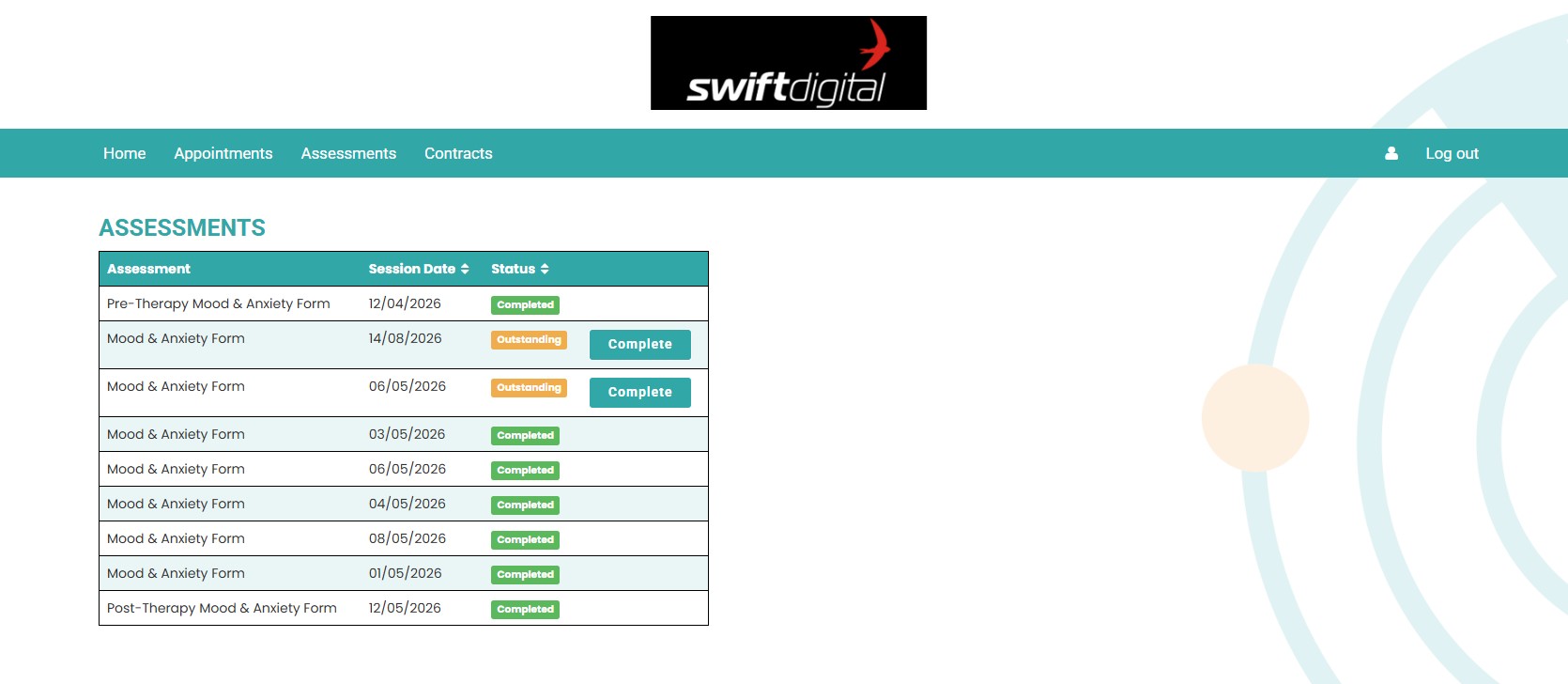
When using Mood & Anxiety forms (a combination of GAD-7 and PHQ-9) clients will be sent the assessment form for compeltion. They will access this form through their portal where the results will be stored directly against their session within Rhadar
Client Contracts
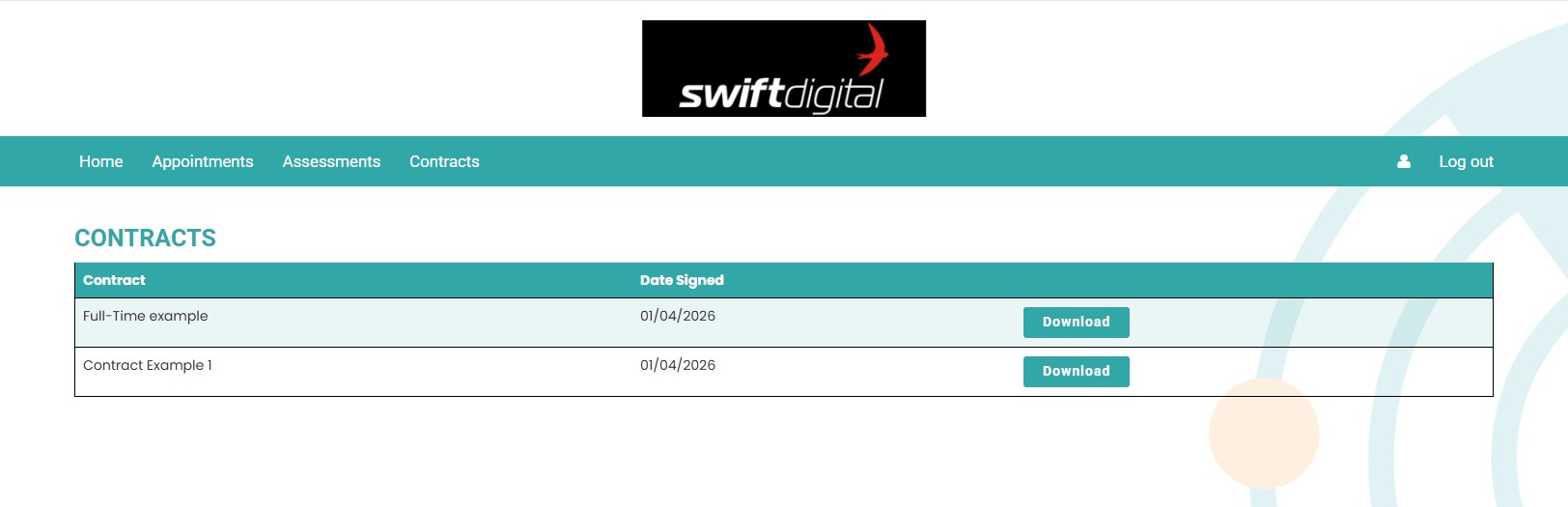
Clients are able to view and download electronic contracts that they signed as part of their care.
Frequently asked questions
Is the client portal secure?
Absolutely, apart from a secure password that is generated for the account, all client portal accounts are also protected via MFA. Upon first login, the user will be given a unique QR code which they will scan into their local mobile authenticator account. Once registered, every login will require entry of the unique 6 digit code taken from the authenticator account.
Can the client see their personal details
At the moment no, currently the client can only see upcoming appointments, complete assessment forms and view their signed contracts.
What does the assessment forms online mean?
If the organisation is using the Mood & Anxiety (a combination of GAD-7 and PHQ-9), when the therapist completes the session notes they have the option of sending through an assessment form to the client. An email gets sent to the client notifying them of the pending assessment form. Through the client portal the client can then click on the request and complete the form. Submission then stores the results to the relevant session for that client.
Can the client see their signed contracts?
Yes, there is an item on the client portal where any completed contracts can be viewed and a pdf copy downloaded.
One platform.
Every workflow.
Better outcomes.
Rhadar brings together everything your organisation needs to deliver exceptional care and measurable impact.
 250,000+Client sessions managed
 40+Clinical reports
 99.99%Platform availability
 20+Years' experience